Scan, Sign & Edit PDFs in Seconds
Fully offline. Privacy-first. All your PDF tools in one powerful app.
Free to download. Free forever.

Fully offline. Privacy-first. All your PDF tools in one powerful app.
Free to download. Free forever.
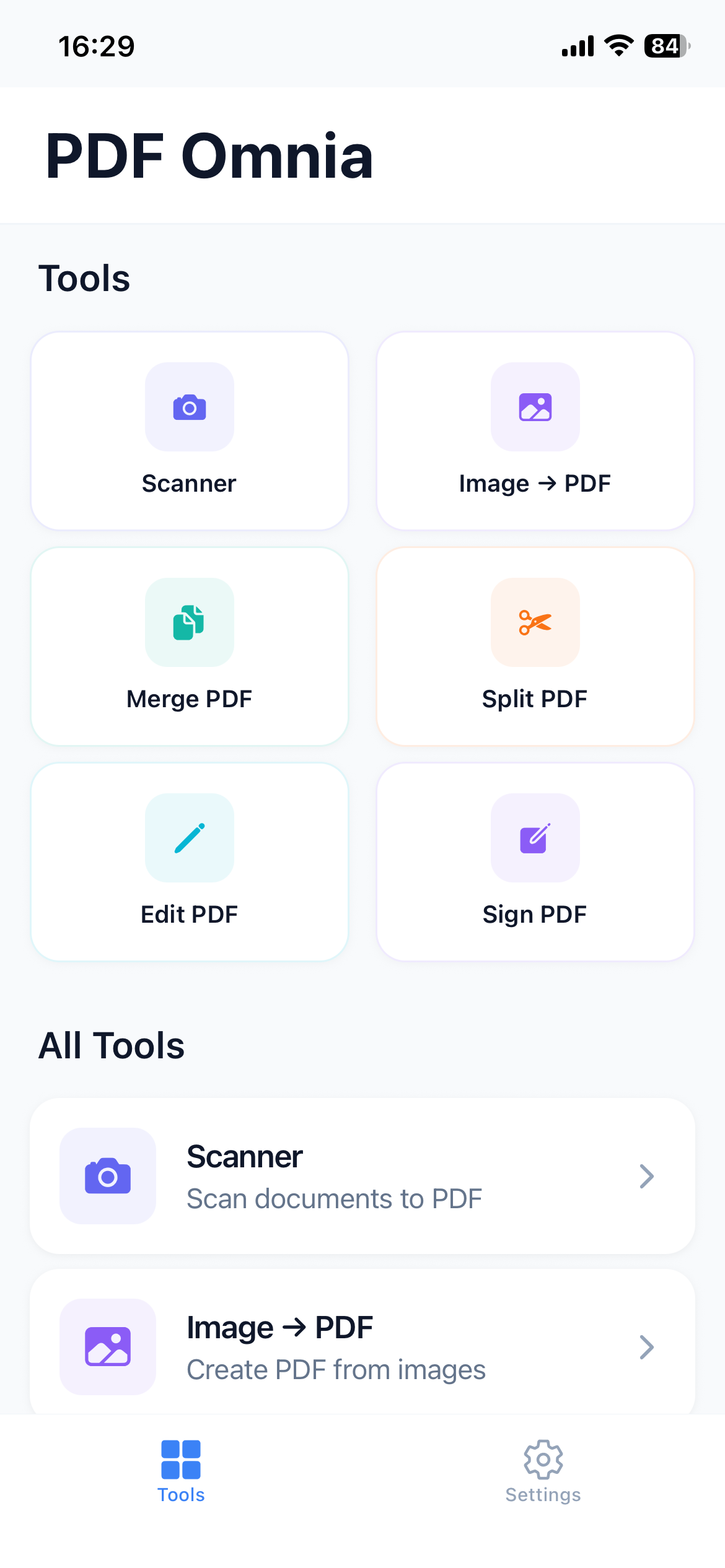
Everything you need to work with PDFs, designed for speed and simplicity.
Turn paper documents into clean digital PDFs with automatic edge detection and perspective correction.
Create your signature once and reuse it anywhere. Sign contracts and forms in seconds.
Highlight text, add notes, draw shapes, insert text boxes, and fill forms with ease.
Combine multiple PDFs into one file. Drag and drop to reorder pages exactly how you want.
Split large documents by page, range, or extract specific pages into separate files.
Password-protect your PDFs or remove passwords when needed. Keep your documents secure.
Add custom text watermarks to protect your documents and establish ownership.
Rotate pages to correct orientation and reorder pages to organize your documents perfectly.
Automatically add page numbers to your PDFs with customizable position and style.
Scan lecture notes, annotate study materials, and organize assignments without leaving your device.
Sign contracts on the go, merge reports, and edit documents with complete privacy and security.
Create a cleaner paperless workflow. Scan receipts, organize documents, and keep everything digital.
Download PDF Omnia for free and experience the most private PDF toolkit on iOS.